Why it matters
Some people love company when they work out. It keeps them motivated, and they learn new things from each other.
02Exercise Buddy
Case studyFitnessMobile app
Exercise Buddy matches you with someone to train with, whenever you need one. A built-in gym buddy who keeps you motivated, so exercise becomes social again.

01 — Overview
During the pandemic, many people felt lonely because they couldn’t go to the gym or train with friends. Today we’re all busy, which makes it hard to find an exercise buddy.
Some people love company when they work out. It keeps them motivated, and they learn new things from each other.
An app that connects you with a workout partner whenever you need one, so you can say goodbye to lonely workouts and make exercise a social, fun thing to do.
02 — Problems & solutions
We started from what makes it hard to exercise with someone, and sketched a way to solve each part.
Problems and solutions come from the project brief; I paired them by theme.
03 — Project timeline
The work ran in three phases, from competitor and user research, through UX and UI, to a UI kit and animated interactions for the developers.
04 — User flow
The flow starts with login or sign-up, onboarding and a location permission, then fans out to the main areas: calls and messages, workouts, creating an activity, the calendar and the profile.
05 — Brand
The logo joins two Ds around a dumbbell: you and your buddy, lifting together. Poppins carries the interface in three weights, and a deep blue palette keeps it energetic.
Typography
One family for the whole interface, in three weights.
Colour
Click a swatch to copy its hex code.
06 — Interface
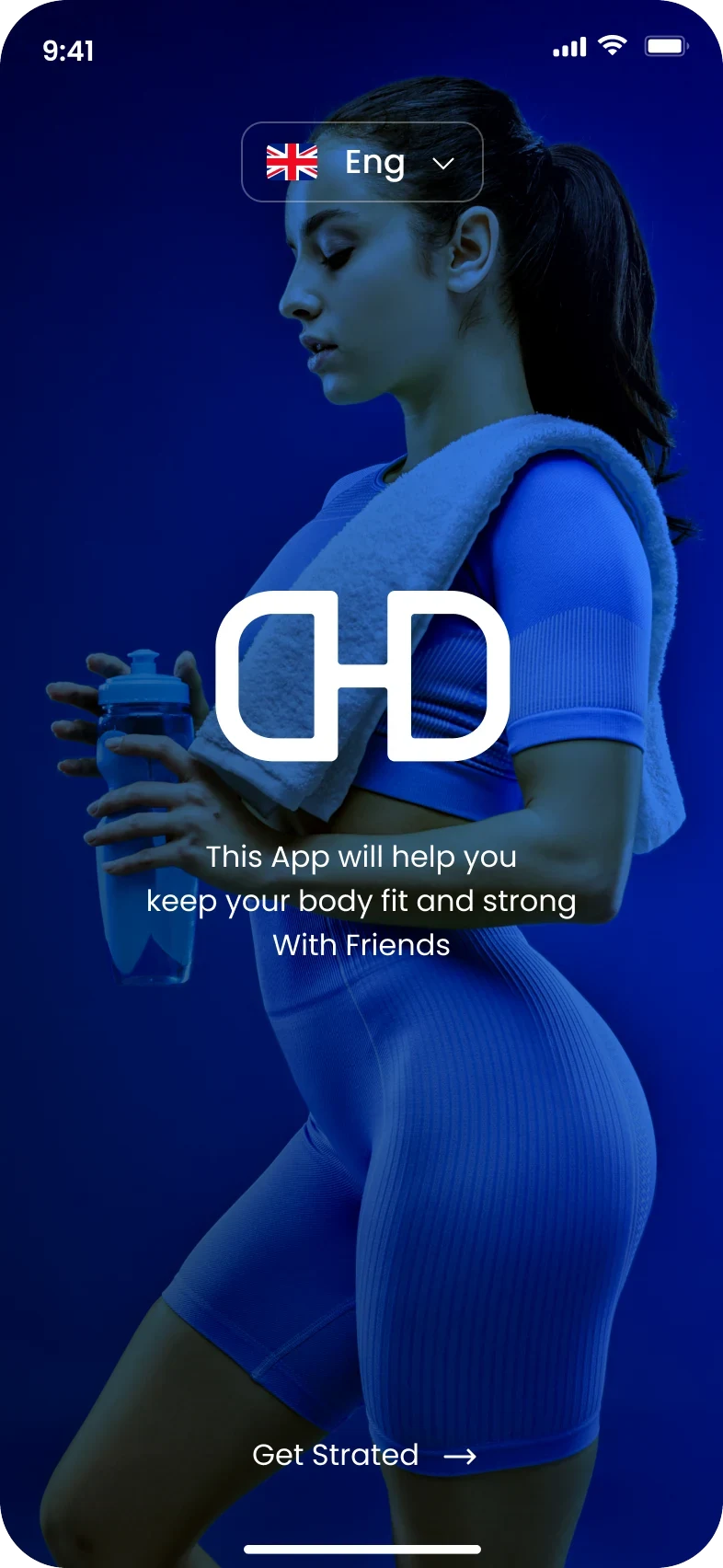
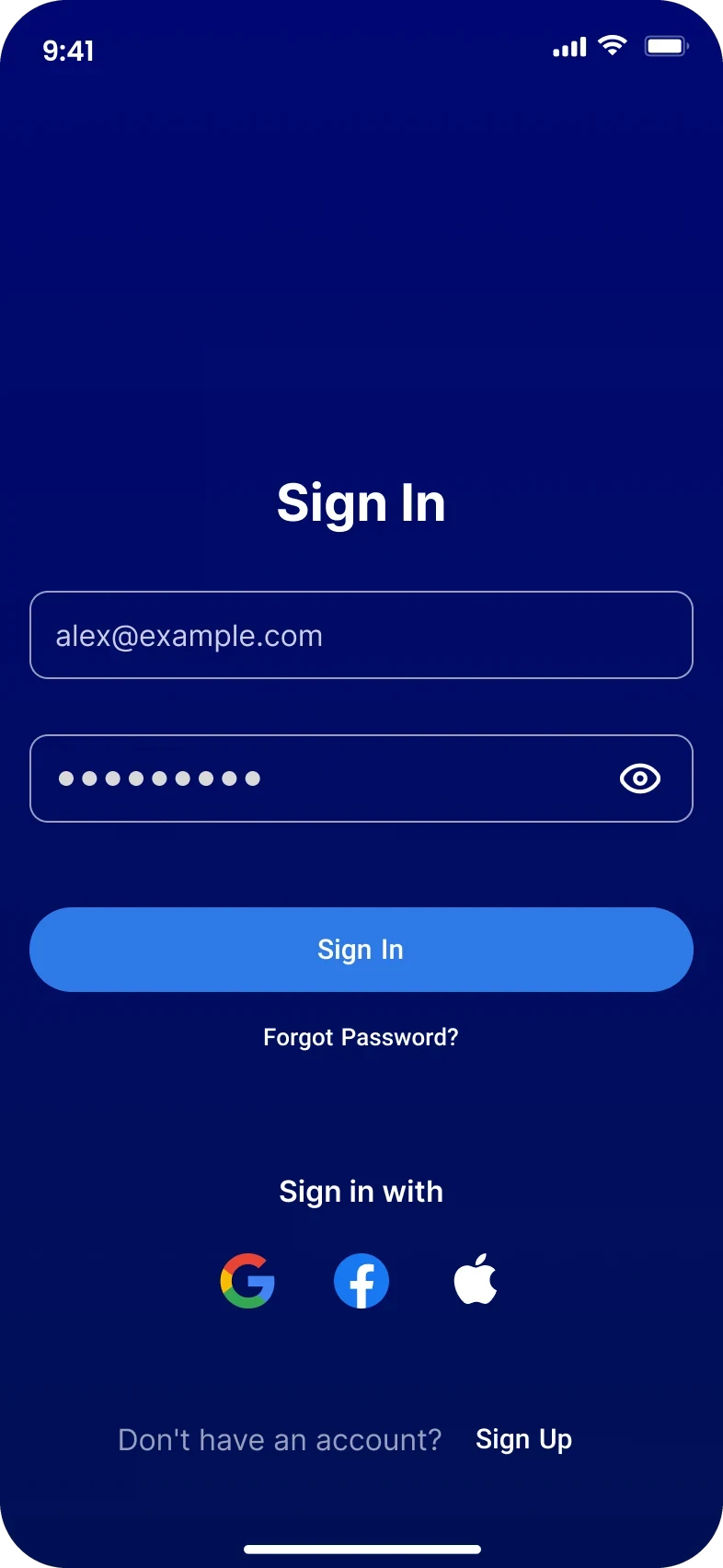
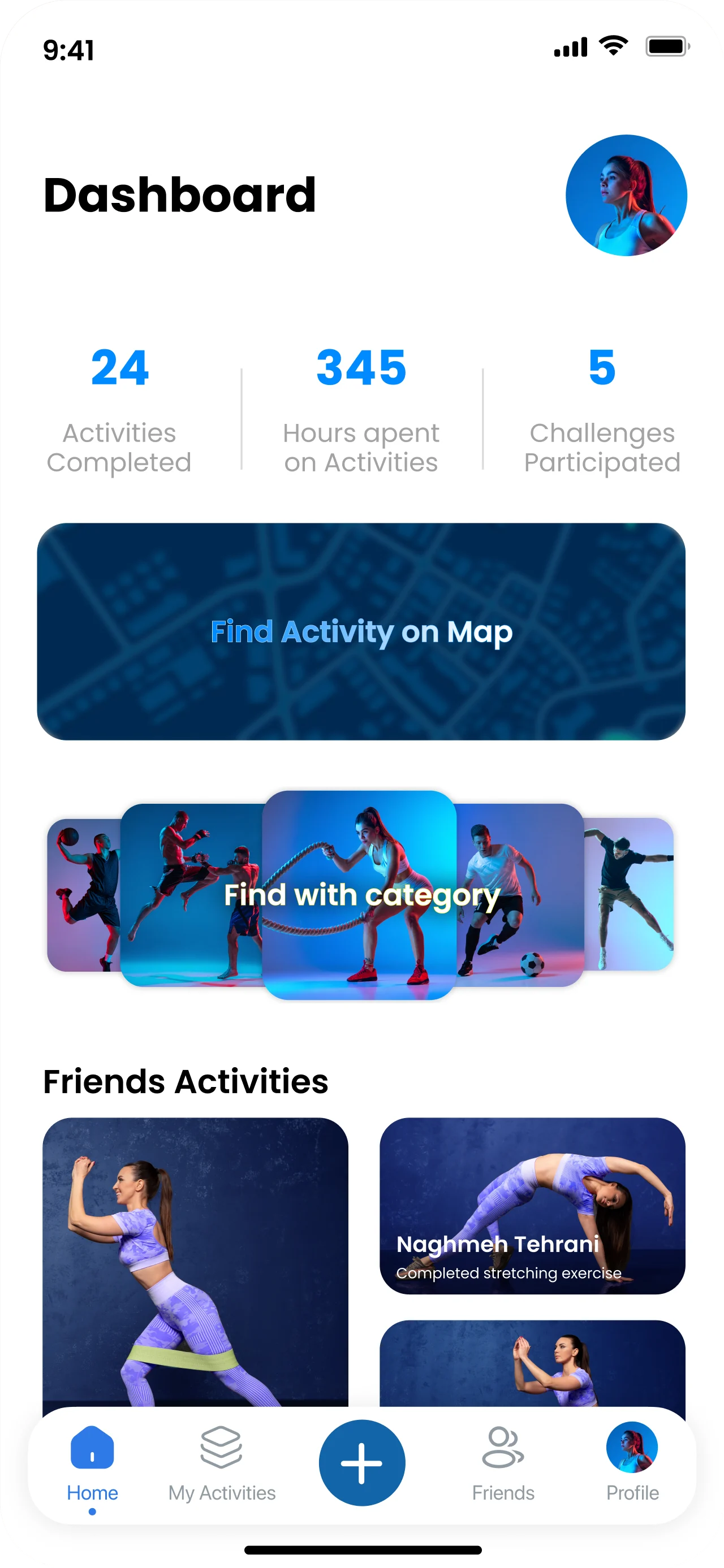
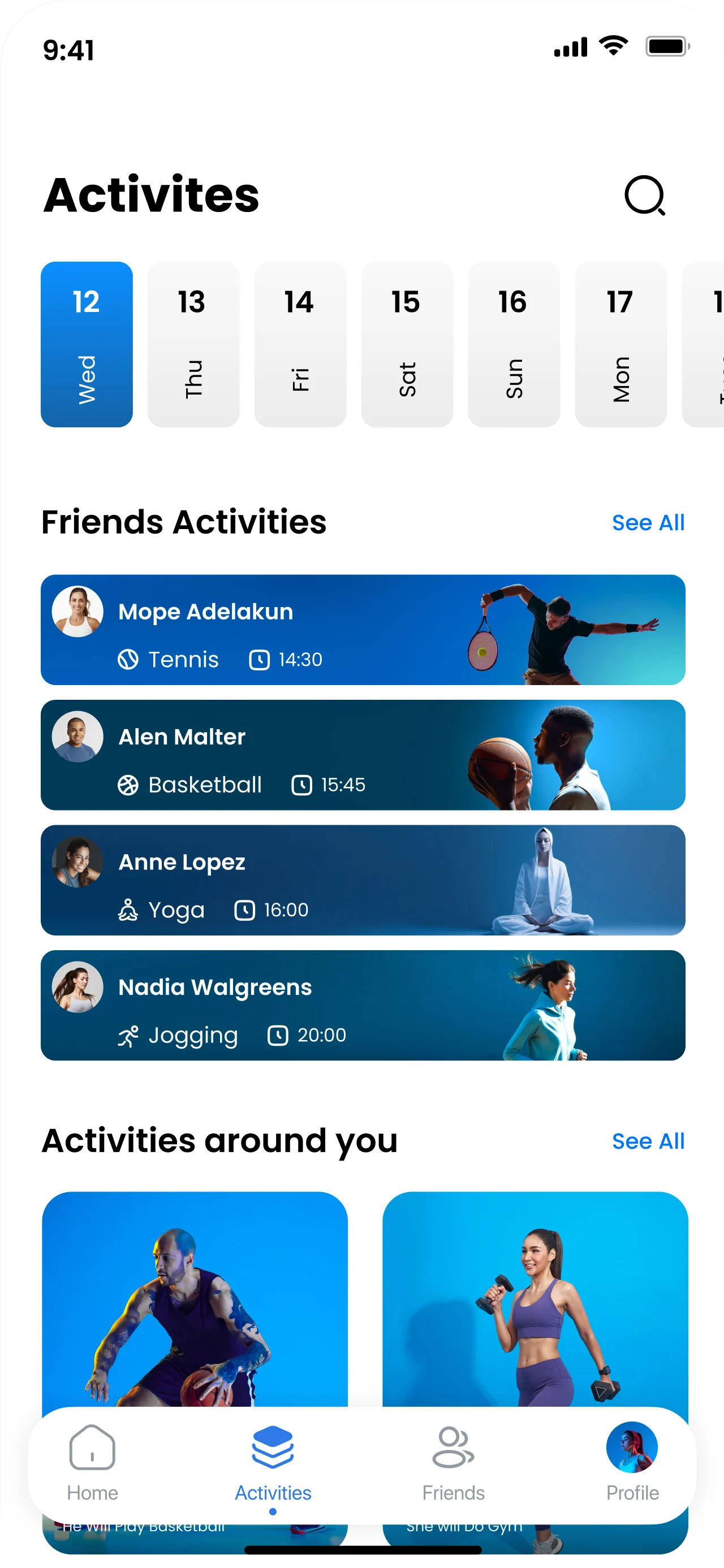
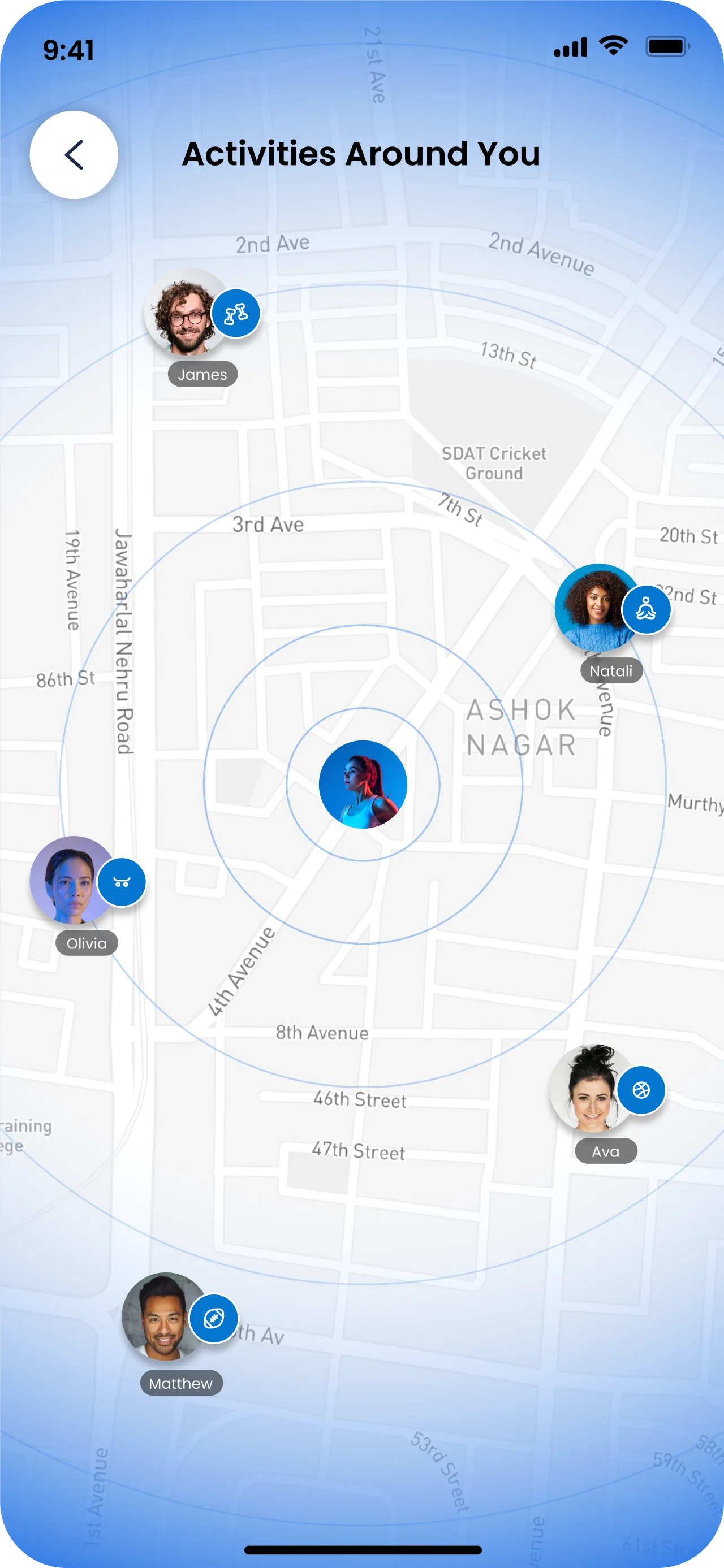
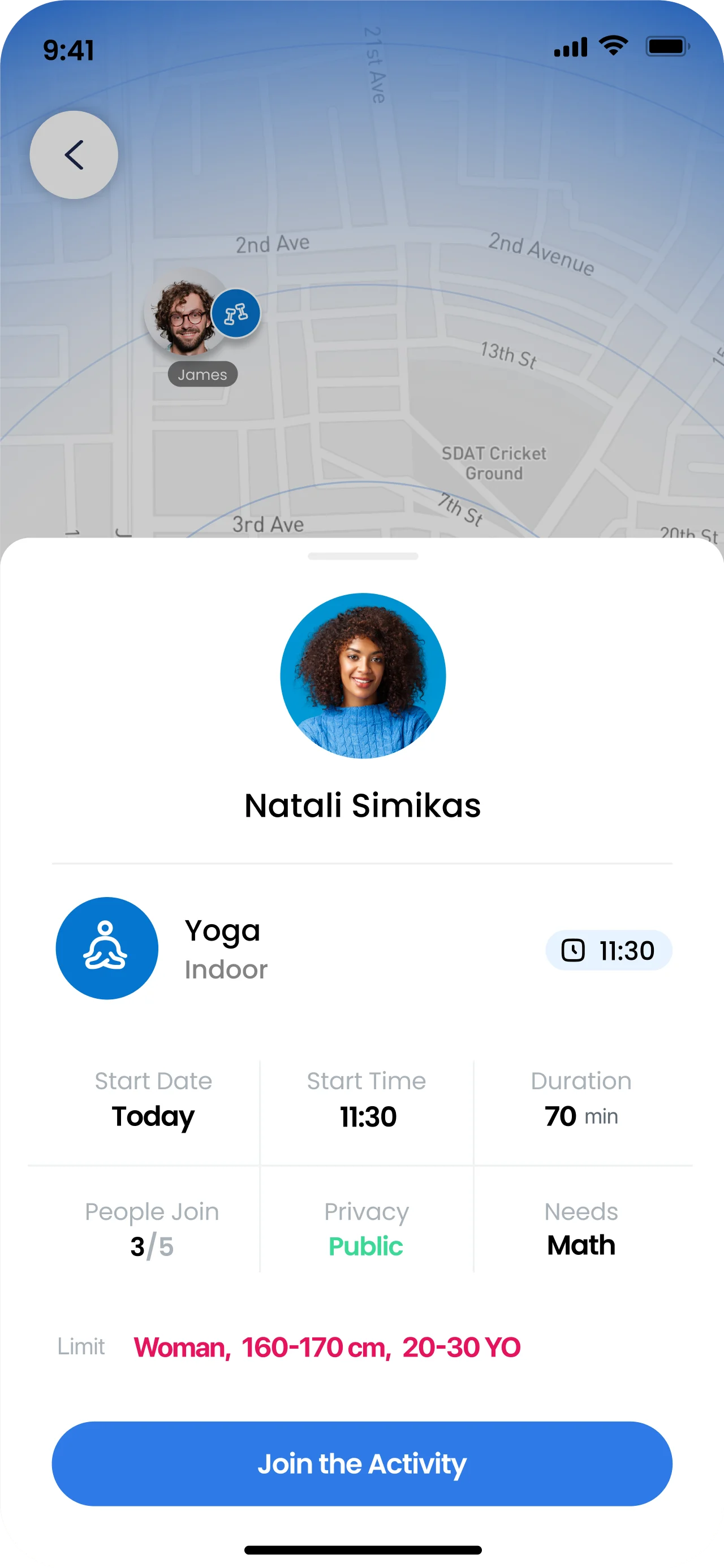
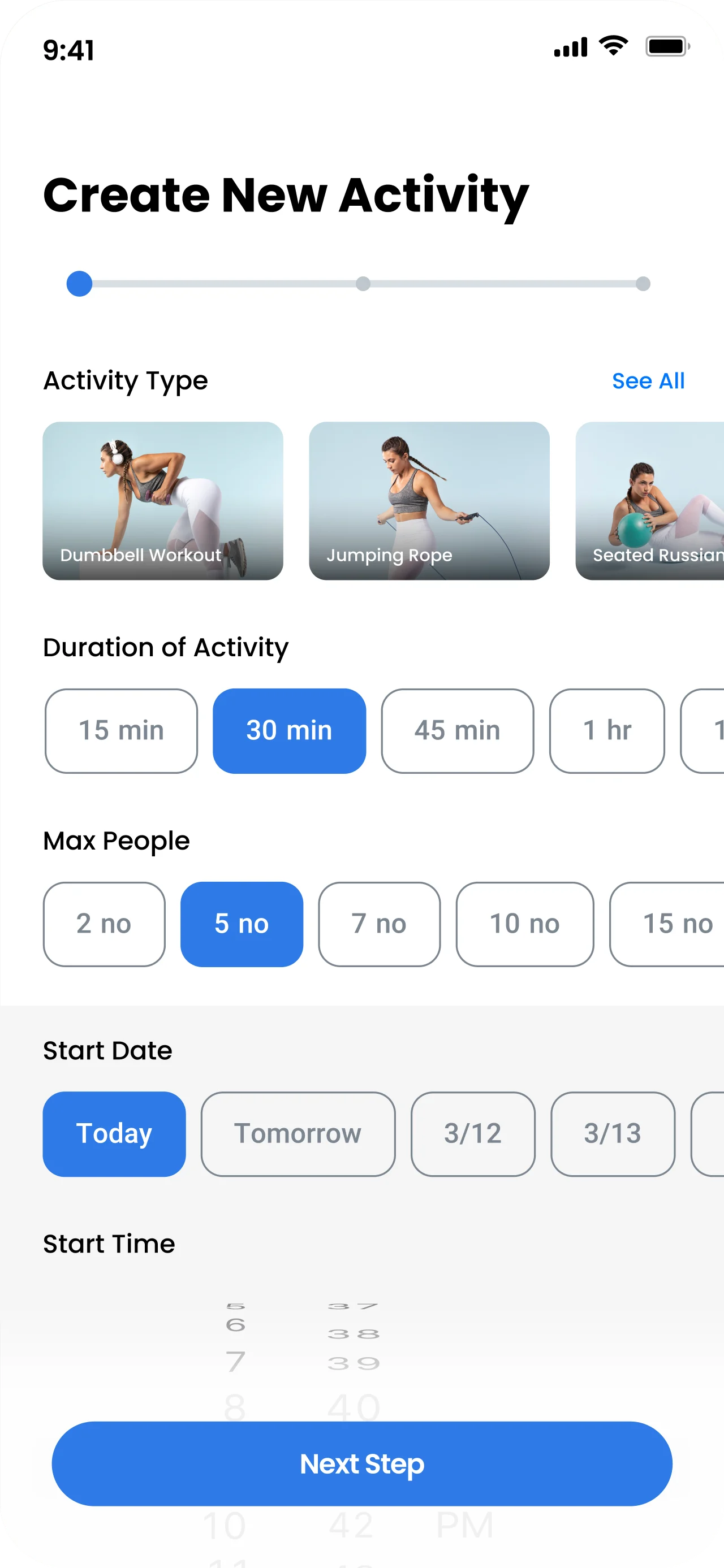
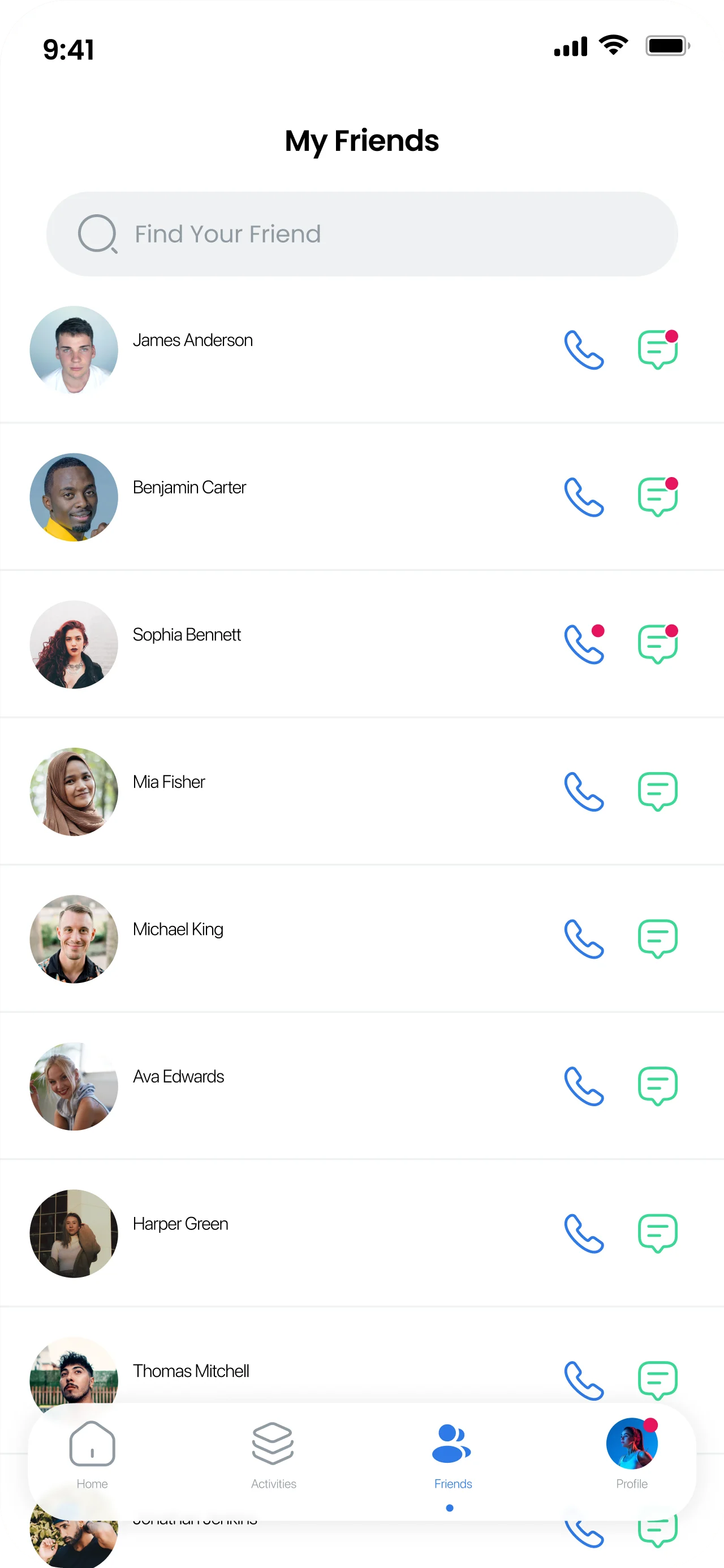
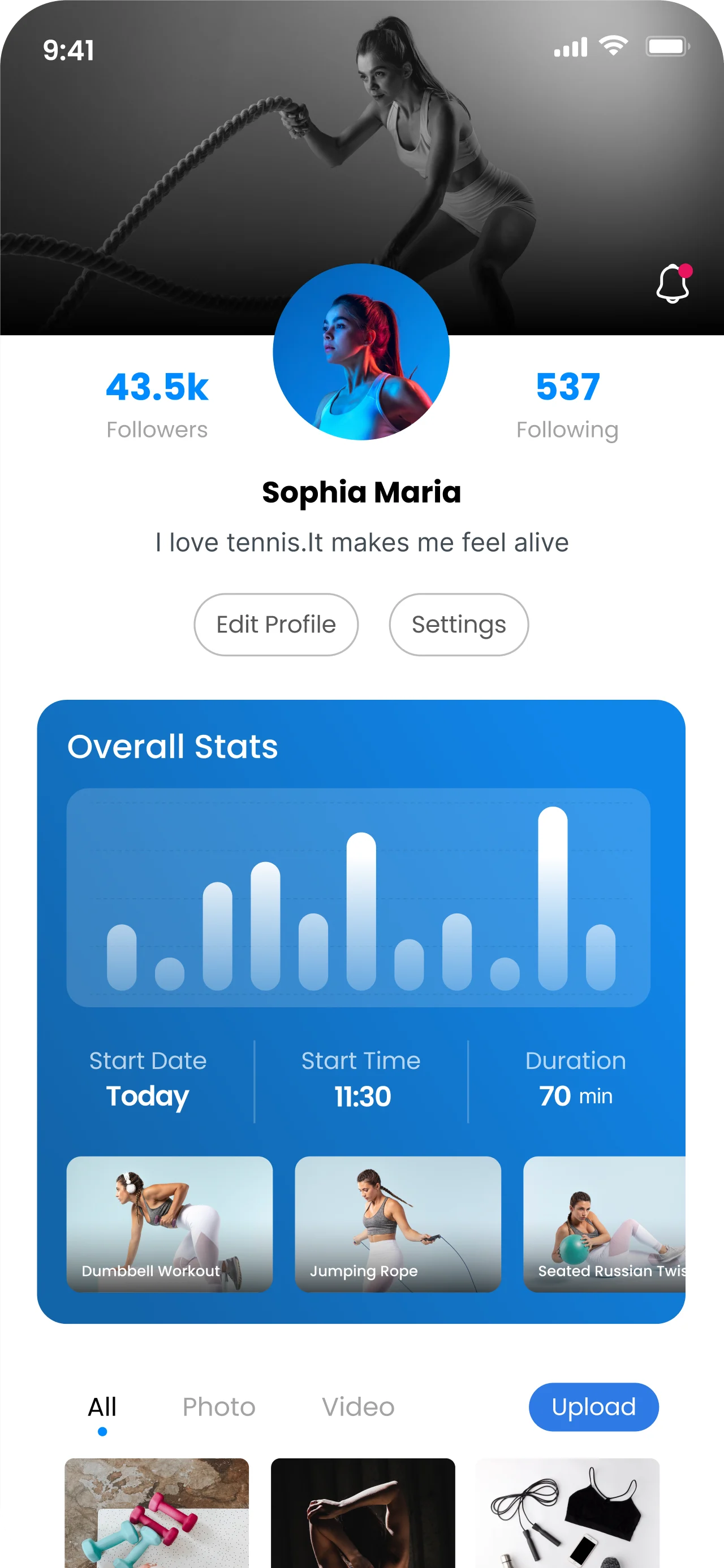
From a splash that sets the mood, to a dashboard with your numbers, the activities around you on a map, and a few taps to create your own.
07 — Usability testing
We ran ten in-person tests. The first was on the low-fidelity design, to check how effective and usable the preliminary design and prototype were, and to understand users’ thought processes.
Research goals
Script
Open the app on your phone and find a buddy to exercise with. Do your best to talk me through your thought process.
Follow-upHow easy do you feel it is to find a person you are likely to exercise with through the search options? Which kind of search did you use? What was easy, and what was challenging?
If I said, “create a profile for yourself and find a person for an exact time and date”, would you know what to do?
Follow-upTry it out now, please. Did you find anything confusing?
This app includes extra facilities, like a translator. If you wanted to use them, how would you do it?
Follow-upDo these facilities meet your needs? Did you find anything confusing?
How did you feel about the app overall? What did you like or dislike?
Follow-upWhat is the first thing you would change?
System Usability Scale
Each participant scored eight statements from Strongly agree to Strongly disagree.
08 — Why test early
While building the wireframes, I was also building the flow and prototype for testing. I ran a round of usability testing before adding any UI, to get more valid and actionable input without branding getting in the way.
09 — Key findings
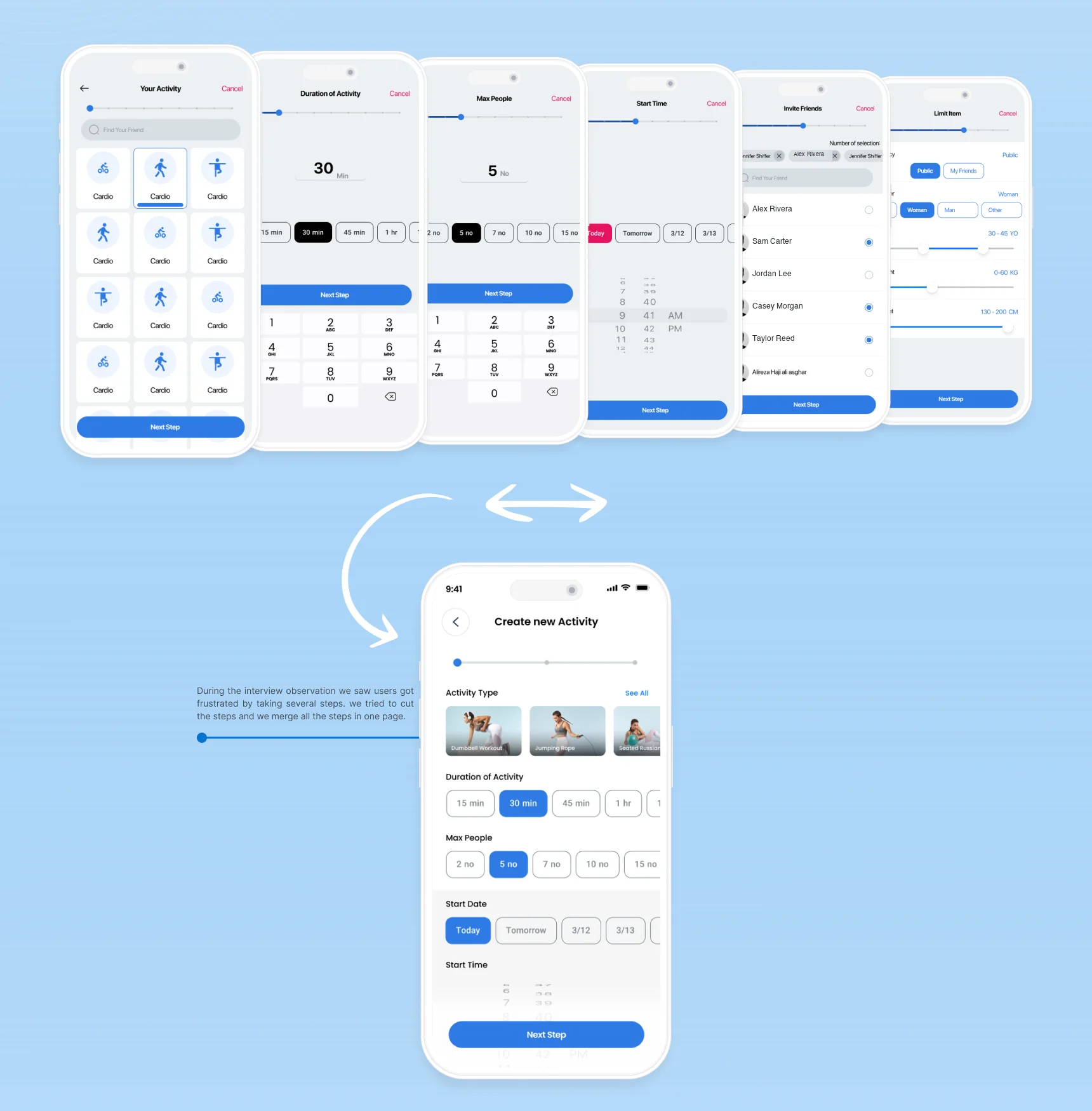
In the interviews, users got frustrated by taking several steps. We cut the steps and merged them into one page.
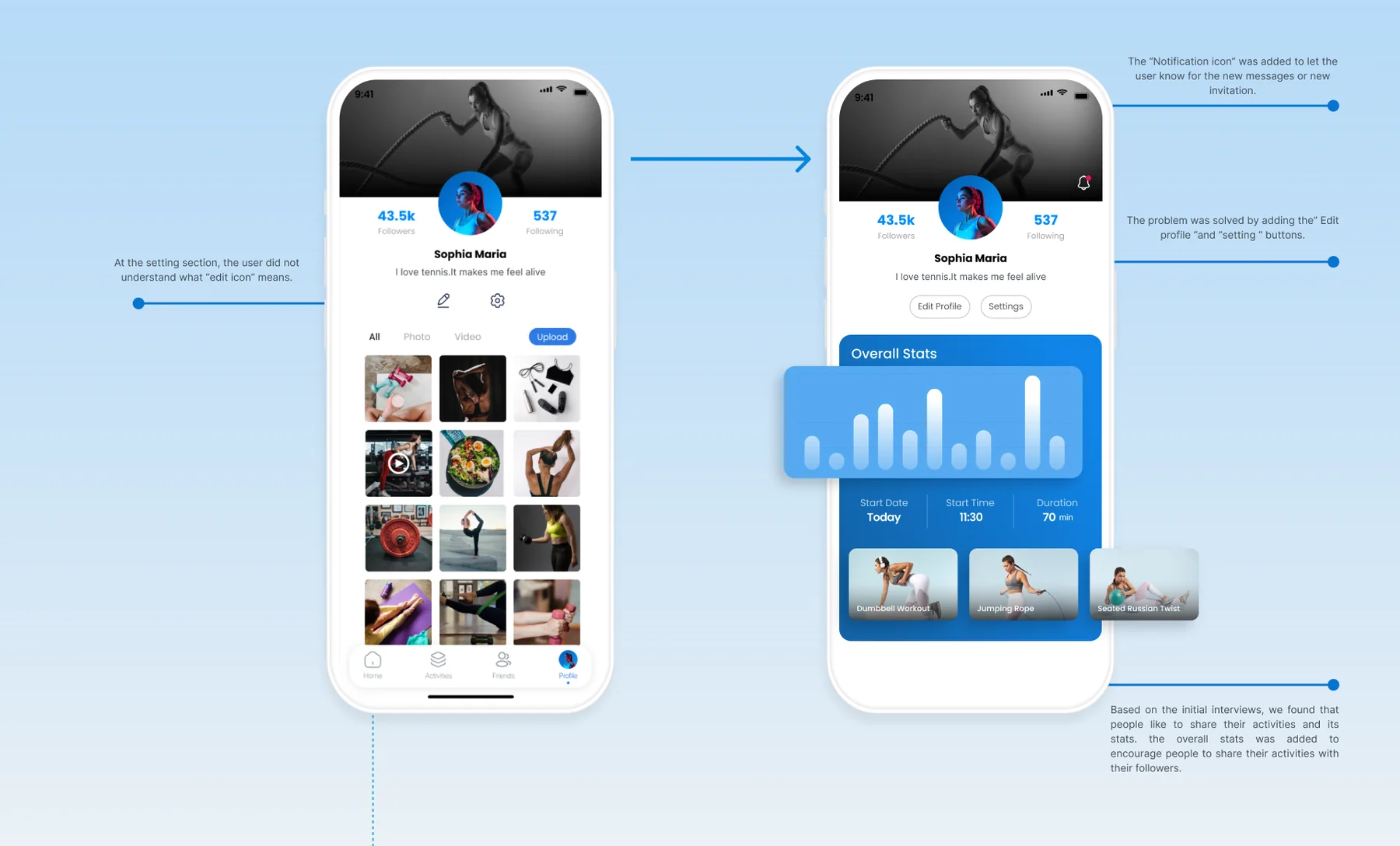
In Settings, users didn’t understand what the edit icon meant, so we added clear Edit profile and Settings buttons. A notification icon now tells users about new messages and invitations. And because people like to share their activities and stats, we added Overall stats to encourage sharing with followers.